
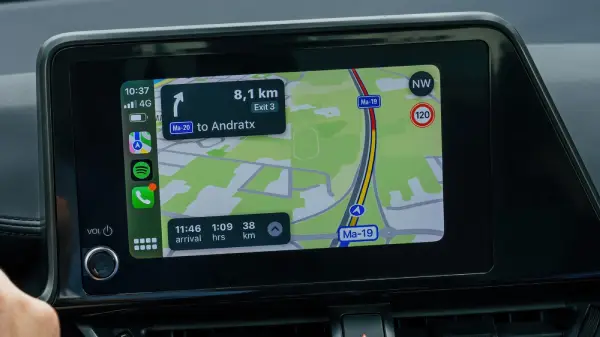
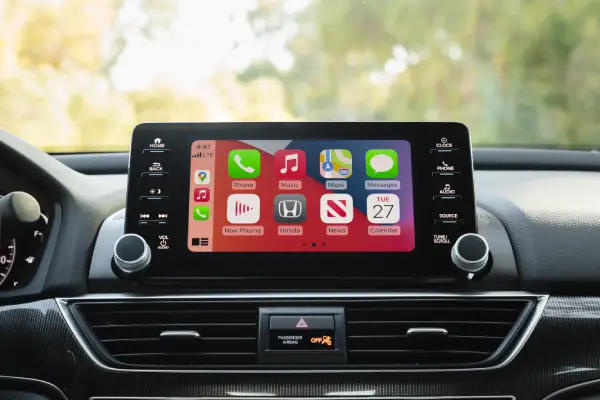
Apple CarPlay Tricks: Most drivers think Apple CarPlay is just there for directions and background music. Useful? Sure. But that’s only scratching the surface. CarPlay actually has several smart features that can make your daily drive easier, safer and even more enjoyable—if you know where to look.
From reorganizing your dashboard to using voice command like a pro these CarPlay tips can completely change how you use your car’s infotainment system.
While You Care for Your Car, Care for Your Child’s Future Too 💖
A fun and educational book every parent should gift their kid.
 Get Kiddy Store Fortune Now
Whether you’re driving to work, heading out on a weekend road trip or just making a quick grocery run these trick will help you get more out of every mile.
1. Customize Your CarPlay Home Screen
Apple doesn’t lock you into its default layout—and that’s a good thing. You can customize your CarPlay home screen so your most used app appear first.
Prefer Google Maps or Waze over Apple Maps? Move it to the top.
Use Spotify, Audible or Podcast every day? Keep them front and center.
You can do this directly from your iPhone
Settings → General → CarPlay → Select Your Car → Customize
Once you’re done, everything you actually use is right where you expect it—no scrolling, no distractions.
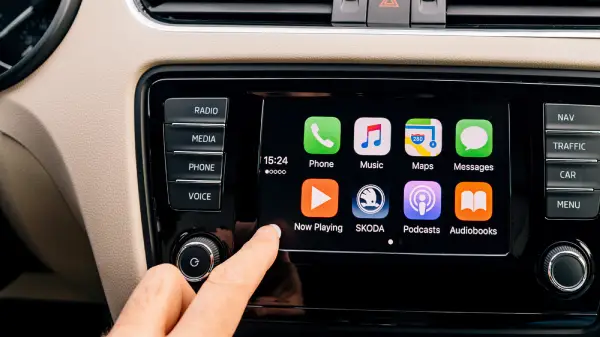
2. Personalize with Wallpapers & Dark Mode
CarPlay may be aesthetically pleasing in addition to being useful. Turning on Dark Mode helps reduce screen glare and eye strain if you drive at night frequently. To better suit your style you can also alter your wallpaper.
A quick tip: While darker tones are easier on the eyes during late-night excursion, bright backgrounds can boost the energy of morning drives.
It’s a minor adjustment but it gives your dashboard a more intimate feel almost like an iPhone that’s been added to your vehicle.
3. Go Hands-Free with Voice Control
Many drivers don’t realize that CarPlay has its own voice control system beyond Siri. You can navigate the interface just by speaking.
Try commands like:
- “Open Maps”
- “Swipe right”
- “Go back”
- “Stop listening”
This feature is useful when you do not want to take your hand off the steering wheel. Less touching, fewer distraction and a safer drive overall.
4. Share Your ETA Like a Pro
Running late or meeting friends somewhere unfamiliar? CarPlay makes it easy to share your estimated arrival time directly from Apple Maps.
You can tap your route card and choose Share ETA, or simply say:
“Hey Siri, share my ETA.”
Your contact will see real-time updates as you drive which means fewer check-in texts and no awkward explanations.
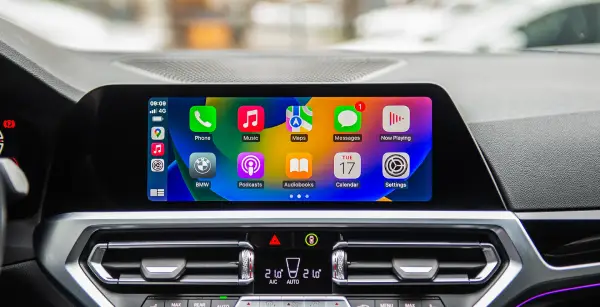
5. Let Siri Do More Than Text
Most of us use Siri in CarPlay just for texting — but she can do way more. Ask Siri to:
- Play specific songs, playlists or podcasts
- Launch apps like Spotify or Audible
- Add reminders or calendar events while driving
Think of Siri as your personal co pilot, handling everything while you focus on the road.
Final Thought
Apple CarPlay is more than simply an iPhone screen mirror. When utilized correctly, it becomes a potent driving companion that adjust to your schedule, keeps you safe and enhances every journey.
Try a handful of these suggestions the next time you start your automobile. Your drive feels so much smarter that you might be shocked.
FAQs
Q: Can I customize Apple CarPlay for every car I use?
A: Yes CarPlay setting are saved per vehicle so you can customize the layout differently for each car you connect to.
Q: Does Apple CarPlay work wirelessly?
A: Many newer car support wireless CarPlay but some still require a USB connection. It depends on your vehicle infotainment system.
Q: Is Dark Mode better for night driving?
A: Absolutely Dark Mode reduce glare and eye strain especially during long night drive or low light condition.
Also Read: The Jeep Wrangler Is the Last Affordable Manual SUV You Can Still Buy in 2025