
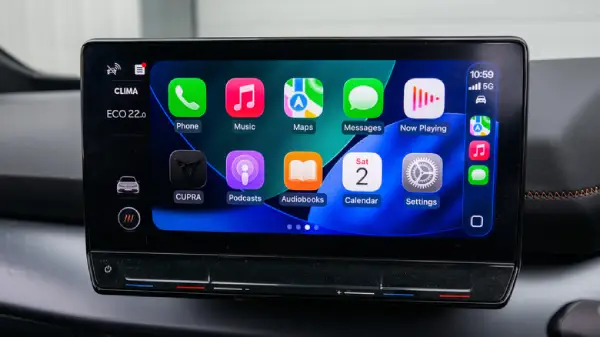
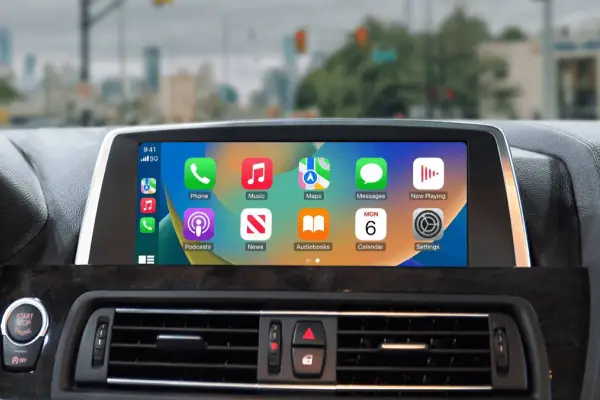
Apple CarPlay Problems: Apple CarPlay has become a necessary driving companion for a large number of drivers in the United States. It’s difficult to picture a drive without it, with features like hands-free calling, music streaming and real time navigation.
However a peaceful commute might become a frustrating tech war when Apple CarPlay abruptly stop functioning.
While You Care for Your Car, Care for Your Child’s Future Too 💖
A fun and educational book every parent should gift their kid.
 Get Kiddy Store Fortune Now
You’re not alone if CarPlay won’t connect Siri won’t respond, or your audio vanishes. The good news is that these are some of the most frequent issues with Apple CarPlay and they are typically simple to resolve.
Here are four common Apple CarPlay problems along with easy fixes to get you back on the road stress free.
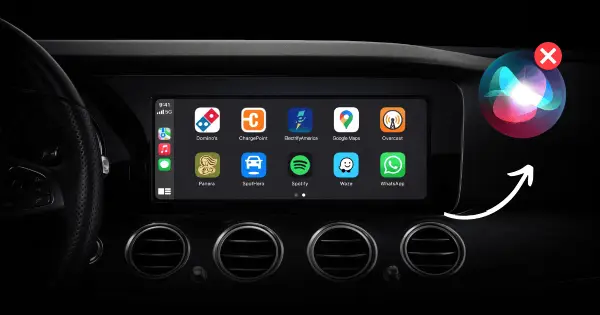
1. Siri Isn’t Responding in CarPlay
Your voice-activated co-pilot is supposed to be Siri. The whole purpose of hands free driving is undermined when she abruptly stops talking.
Easy Fix:
- Verify that Listen for ‘Hey Siri’ is enable by going to Settings > Siri & Search
- Verify that Bluetooth, Wi Fi and cellular data are turned on
- Examine the microphone in your automobile obstructions or dust might impede voice recognition. Often a short cleaning help.
Pro Tip: To make Siri always respond aloud when driving, go to Settings > Siri Response and turn on “Prefer Spoken Responses.”
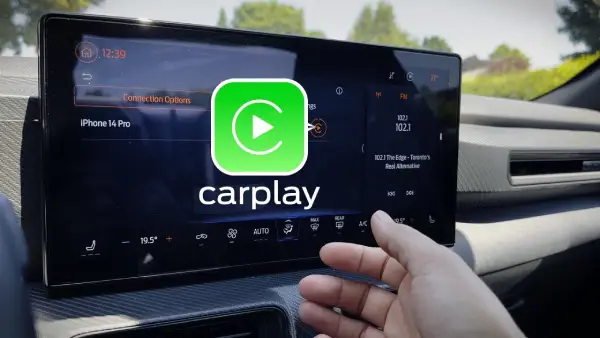
2. CarPlay Won’t Connect (Wired or Wireless)
You plug in your iPhone—or expect wireless CarPlay to kick in—and nothing happens. No screen, no prompt, no response.
Quick Fix:
- If using a cable, test it with a computer. If it doesn’t charge or sync replace it.
- To update your iPhone navigate to Setting > General > Software Update
- Restart the entertainment system in your car as well as your iPhone
Still not functioning? Some vehicles support CarPlay only under specific condition. Double check that your car model is official compatible.
Bonus: If cables constantly fail you a wireless CarPlay adapter can make connection fast and more reliable.
3. No Sound or Audio Problems
Your phone shows music playing—but your car speakers stay quiet. Few things are more annoying on a long drive.
Quick Fix:
- Instead of using radio or AUX switch your car audio source to CarPlay or Phone Audio
- Verify that cellular data, Wi Fi and Bluetooth are all operational
- Navigate to Setting > General > CarPlay choose your car click Forget This Car and then re connect
Hidden audio issues can also be fixed with a simple reset of your iPhone and automobile system.
4. Apps Not Working on CarPlay
Spotify won’t load, Apple Maps freezes, or apps crash mid-drive—yes, it happens.
Quick Fix:
- Open the App Store tap your profile icon and select Update All
- If the issue continue, delete the problematic app and reinstall it
- Remember: not every iPhone app support CarPlay even if it works perfectly on your phone
Driver Tip:
Some lesser-known CarPlay apps can significantly improve navigation, parking, and entertainment—worth exploring!
Final Thought
Although Apple CarPlay is among the best in car technology on the market today, no system is flawless. The majority of CarPlay troubles are caused by settings, out-of-date software or small connection problems, which are fortunately simple to resolve.
You’ll know exactly what to do the next time CarPlay won’t connect or Siri ignore you.
Expert Driver Advice: Always have an extra Lightning or USB C cable in your vehicle and keep your iPhone up to date. It’s a tiny habit that prevent major headaches.
FAQs
Q1. Why does Apple CarPlay keep disconnecting?
A: Frequent disconnection are usually caused by faulty cable outdated iOS version or unstable Bluetooth/Wi-Fi connection.
Q2. Does Apple CarPlay work without internet?
A: Yes basic feature like music playback and phone calls work offline but navigation and streaming apps need cellular data.
Q3. Why can’t I hear Siri in CarPlay?
A: This may be due to muted Siri response, blocked car microphone or incorrect audio output setting.
Q4. Are all app compatible with Apple CarPlay?
A: No Only apps approved by Apple support CarPlay, and Apple doesn’t publish a full public list.
Q5. Is wired CarPlay better than wireless?
A: Wired CarPlay is often more stable, while wireless CarPlay offers convenience. Performance depends on your vehicle and phone.
Also Read: 2026 Mercedes-Benz CLA vs BMW 228 Gran Coupe: Which Luxury Sedan Should You Buy?