
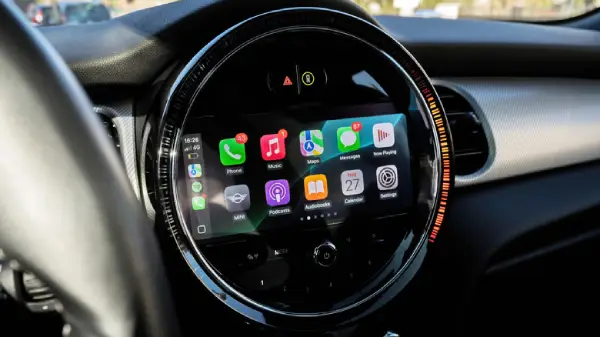
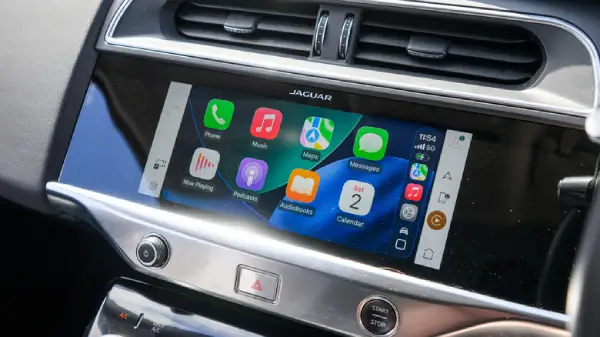
Reset Apple CarPlay Without iPhone: If you’re like most drivers in the U.S. Apple CarPlay has probably become one of your must have features behind the wheel. From hands free calls to Google Maps or Apple Maps navigation to jamming out on Spotify CarPlay makes driving safer and more fun.
But here’s the problem: sometimes, CarPlay just doesn’t cooperate. Maybe it glitches refuses to connect or simply freezes. Normally you’d fix this by tweaking settings on your iPhone. But what if your iPhone isn’t with you or worse, it won’t connect at all?
While You Care for Your Car, Care for Your Child’s Future Too 💖
A fun and educational book every parent should gift their kid.
 Get Kiddy Store Fortune Now
Don’t worry. You can reset Apple CarPlay without using your iPhone. Here’s how.
1. Restart Your Car’s Infotainment System
The easiest reset is often just a soft reboot of your car’s system.
- Turn off your vehicle completely.
- Wait 2–5 minutes.
- Restart the engine and infotainment system.
In many cases this clears temporary glitches and restores CarPlay.
2. Forget Your iPhone From the Infotainment System
If restarting doesn’t work, it’s time to reset the connection inside your car.
- Open your car’s infotainment Settings.
- Look for Devices, Connected Devices, or Bluetooth & CarPlay.
- Select your iPhone and tap Forget Device or Delete.
Once deleted reconnect your iPhone by selecting Add Device in the same menu, then follow the pairing steps.
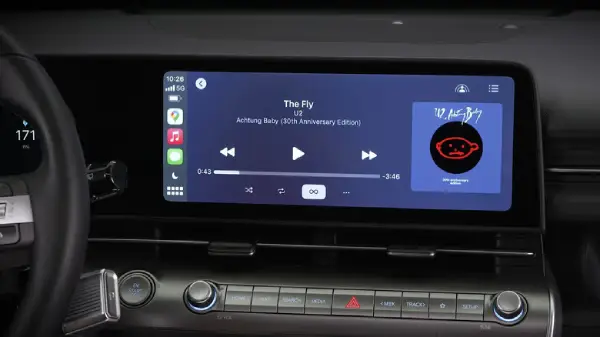
3. Check Your Car Manual for Model Specific Fixes
Every vehicle has its own quirks. Some cars require holding down certain buttons for a “factory reset” while others have hidden reset menu. If nothing else works grab your car manual (or look it up online) for specific CarPlay troubleshooting steps.
Why Resetting CarPlay Matters
CarPlay isn’t just about convenience—it’s about safety. With voice controls through Siri, you can:
- Send and read messages hands-free
- Make calls without distraction
- Navigate with real time traffic updates
- Use your favorite third party apps like Spotify, Audible, or Waze
If CarPlay isn’t working right, it can take away those benefits. Resetting helps get things back on track quickly.
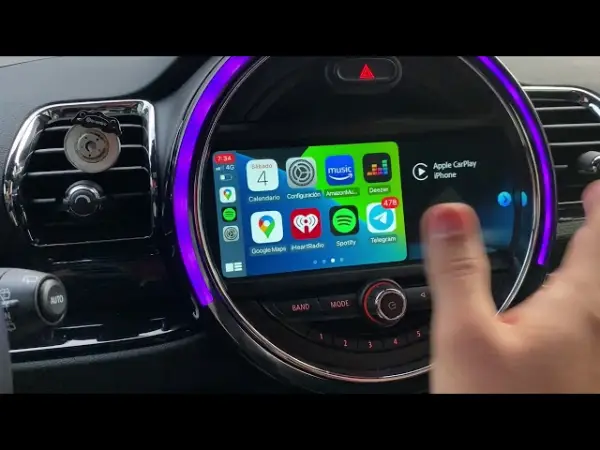
Final Thoughts
CarPlay hiccups are annoying, but you don’t need your iPhone in hand to fix them. A simple infotainment reset or forgetting your iPhone from the system usually does the trick. Next time your CarPlay acts up try these quick fixes before stressing out.
Pro tip: Keep your cars infotainment software updated to avoid recurring issue.
Also Read: Meet the Cheapest BMW in 2025 — Starting Under $40K!